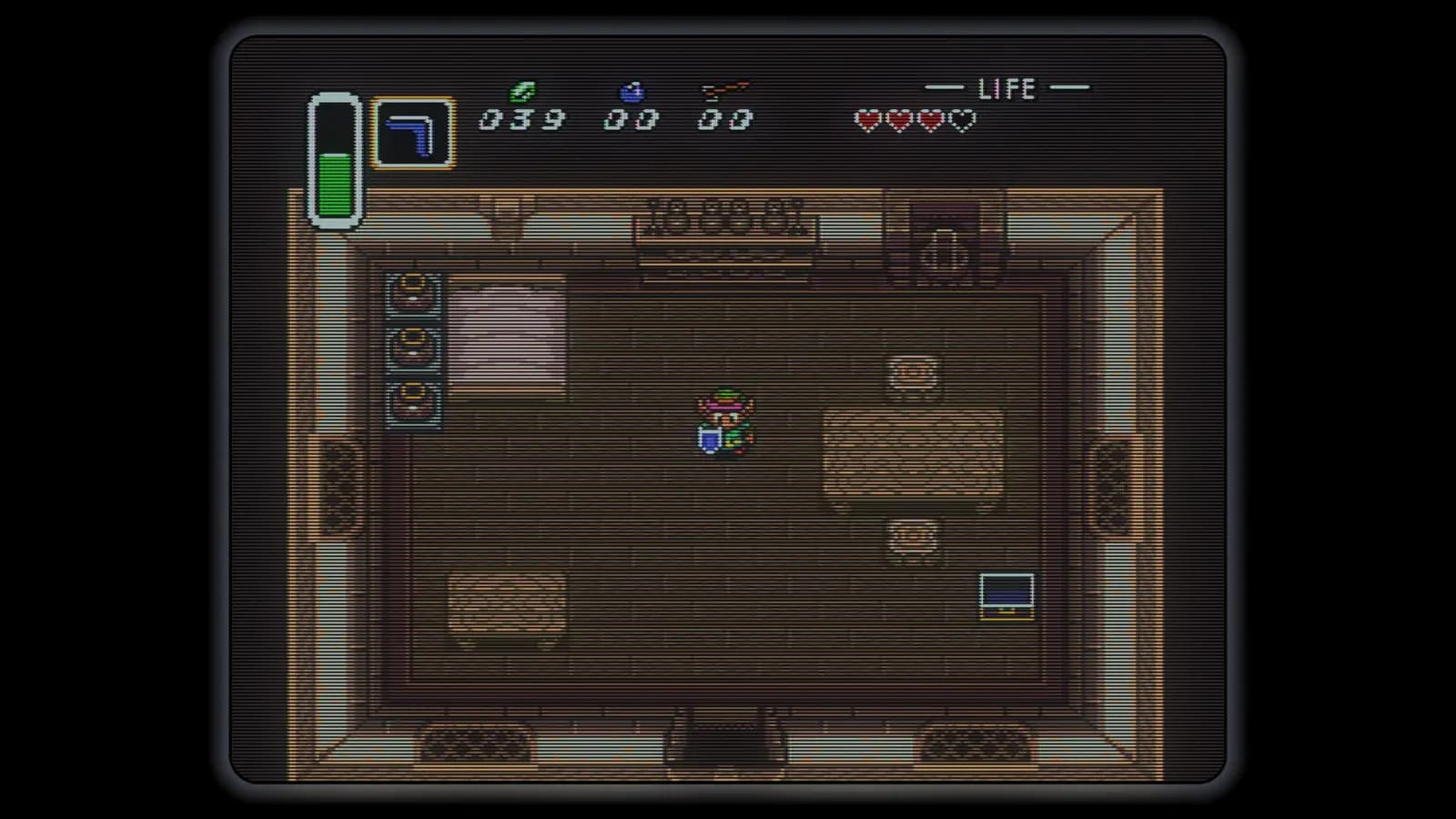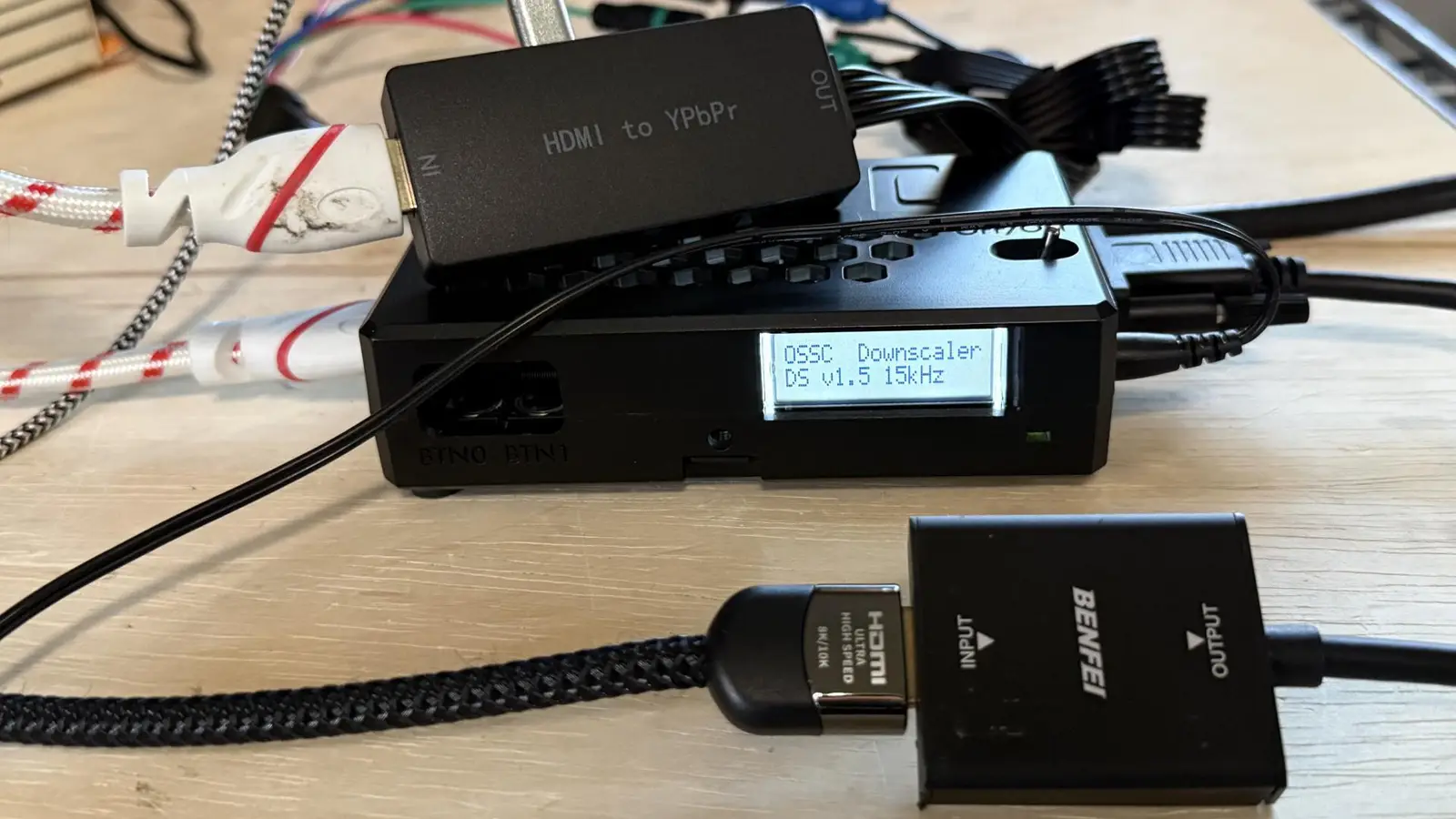
A new alternative firmware from developer manfredi90 turns the original Open Source Scan Converter (OSSC) into a downscaler, handling video inputs up to 1080p and converting them to either 240p or 480i. The firmware is designed for CRT setups, with several output and picture-processing options.
Using it requires a digital-to-analog converter on both the input and output sides. The OSSC must also be hardware revision 1.8, or have the single-wire modification, and be running the latest firmware.
Here is a demonstration of the downscaler firmware:
CRT output options and setup
Available settings include:
• 240p and 480i output
• Different sync-combiner methods, including options useful for BVM monitors
• Aspect-ratio controls
• Line blending or line decimation
The source reports that the latest version does not provide aspect-ratio controls for 480p inputs; those controls are available with 720p and 1080p inputs. Output is zero-lag because the original OSSC has no frame buffer.
The firmware loads as a secondary option, leaving the OSSC’s original firmware in place.
How to install it
Place the alternate firmware file in the “fw” folder on the OSSC’s MicroSD card, then install it through the on-screen menu. This does not overwrite the original firmware: the downscaler is loaded as a second option. Launch it from the OSSC’s built-in display before powering up the CRT.
A new path after Voidscaler
The project offers a fresh alternative to Voidscaler, which the source describes as abandoned. The initial results were reported as generally working well, and the developer had already released updates with new features and fixes, including improvements to 480i output.
Technical note: why the OSSC needs DACs
The OSSC processes digital video, while many CRTs use analog signals such as RGB or YPbPr component video. A DAC converts digital video to analog, making the appropriate conversion hardware part of this downscaler setup.
Source: RetroRGB