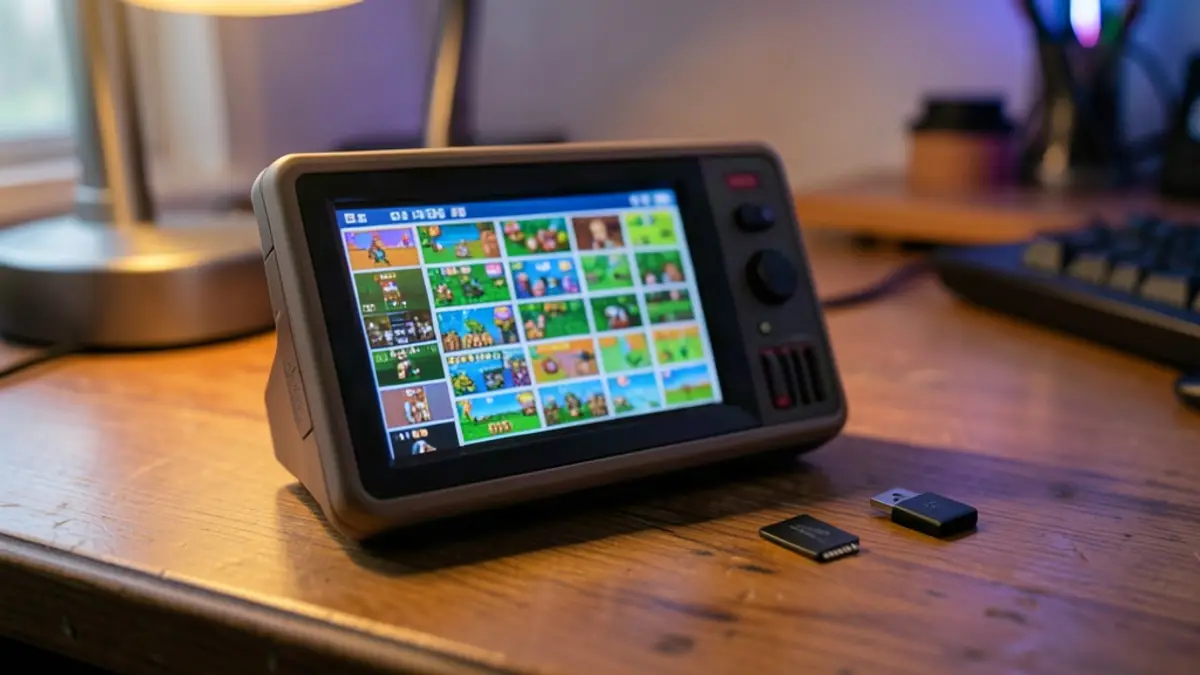
The GKD Pixel II’s stock software is usable out of the box, but a few changes can make its menus and features more appealing. The setup is built on a ROCKNIX-based system, giving owners access to options such as EmulationStation, network tools and PortMaster.
One recommended first step is switching the default launcher from IUX to EmulationStation. In the IUX Settings app, change the Launcher option, save, then reboot. EmulationStation offers additional configuration choices, and users can still return to IUX from its Quit menu.
A handful of settings changes can make the handheld feel much more personal.
Customize the interface and game library
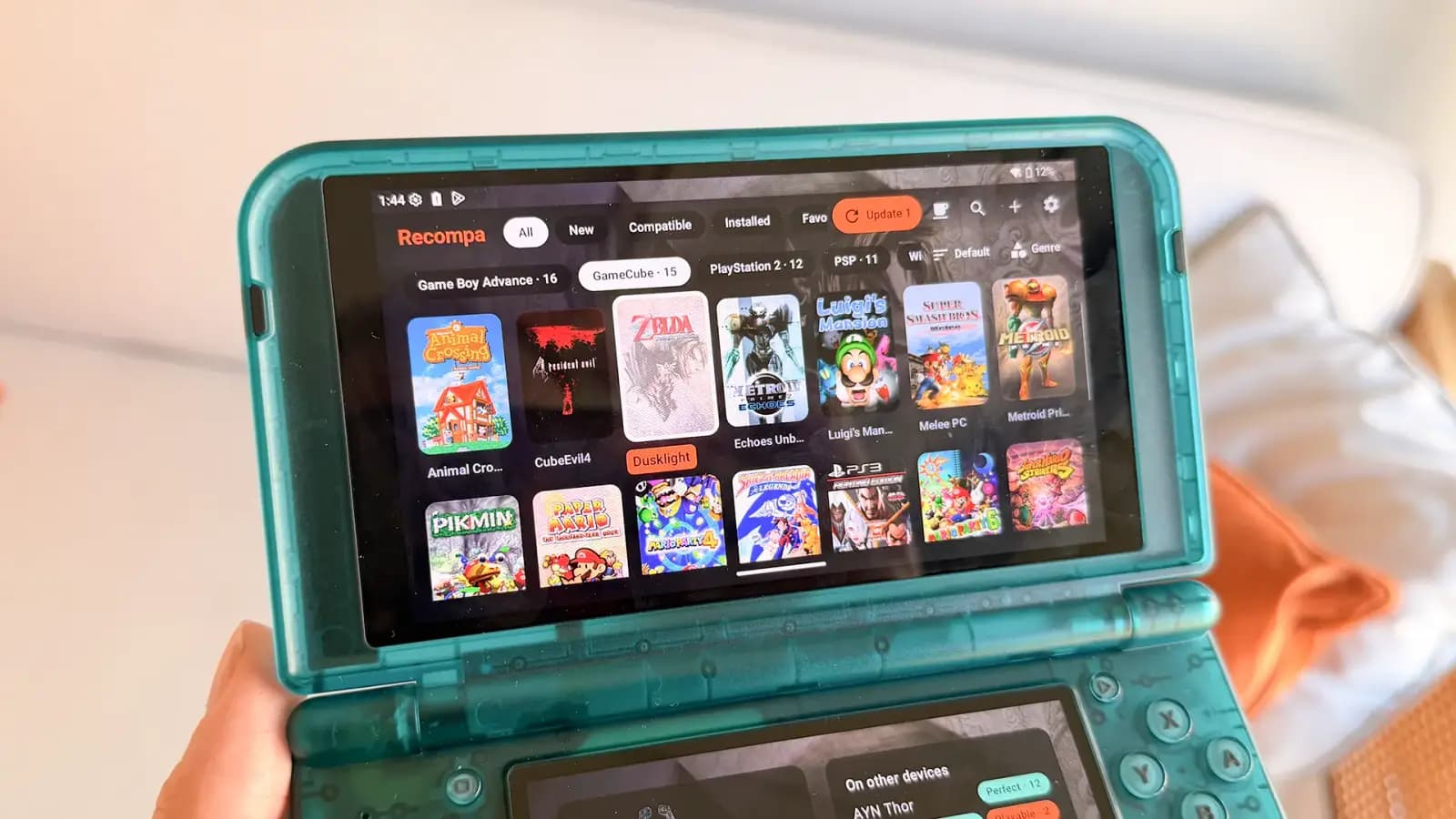
EmulationStation lets users hide systems they do not need through Game Collection Settings. To add games, the guide describes removing the microSD card and copying files into the appropriate folders inside the card’s ROMS partition.
The stock OS does not provide a working scraper option for box art, so the guide recommends using Skraper offline. Themes can also be added over a network connection: enable Wi-Fi and Samba, transfer a compatible theme folder to the device’s EmulationStation themes directory, then select it in UI Settings.
Network features and extra software
A compatible USB Wi-Fi dongle, connected through a USB-C adapter, can enable network features. Once online, users can access PortMaster from the Tools menu. The guide cautions that updating PortMaster may disrupt ports already included on some cards; reinstalling them through its Manage Ports section may resolve the problem.
PortMaster can also provide the GMU Music Player and Moonlight New. Music files go in the player’s music folder. Moonlight can stream games from a PC, though the guide author could not get the GKD Pixel II’s controls working during testing.
Quick technical note: ROM folders
The microSD card contains separate EMUELEC and ROMS partitions. The ROMS partition has system-specific folders for game files; supported formats and BIOS requirements vary by system.
Pico-8 and other possibilities
The Pico-8 section needs additional configuration before it can launch the native emulator. After adding the required commercial files to the Pico-8 folder, users should choose Pico-8: Pico8 in the per-system advanced settings rather than Fake08. With an internet connection, the handheld can then launch Splore, or users can add compatible cartridge files manually.
The guide also suggests that owners could tailor artwork and menus for a simpler experience. It notes, however, that the stock OS and ROCKNIX do not offer the quick shutdown and resume feature found in ArkOS.
Source: Retro Game Corps