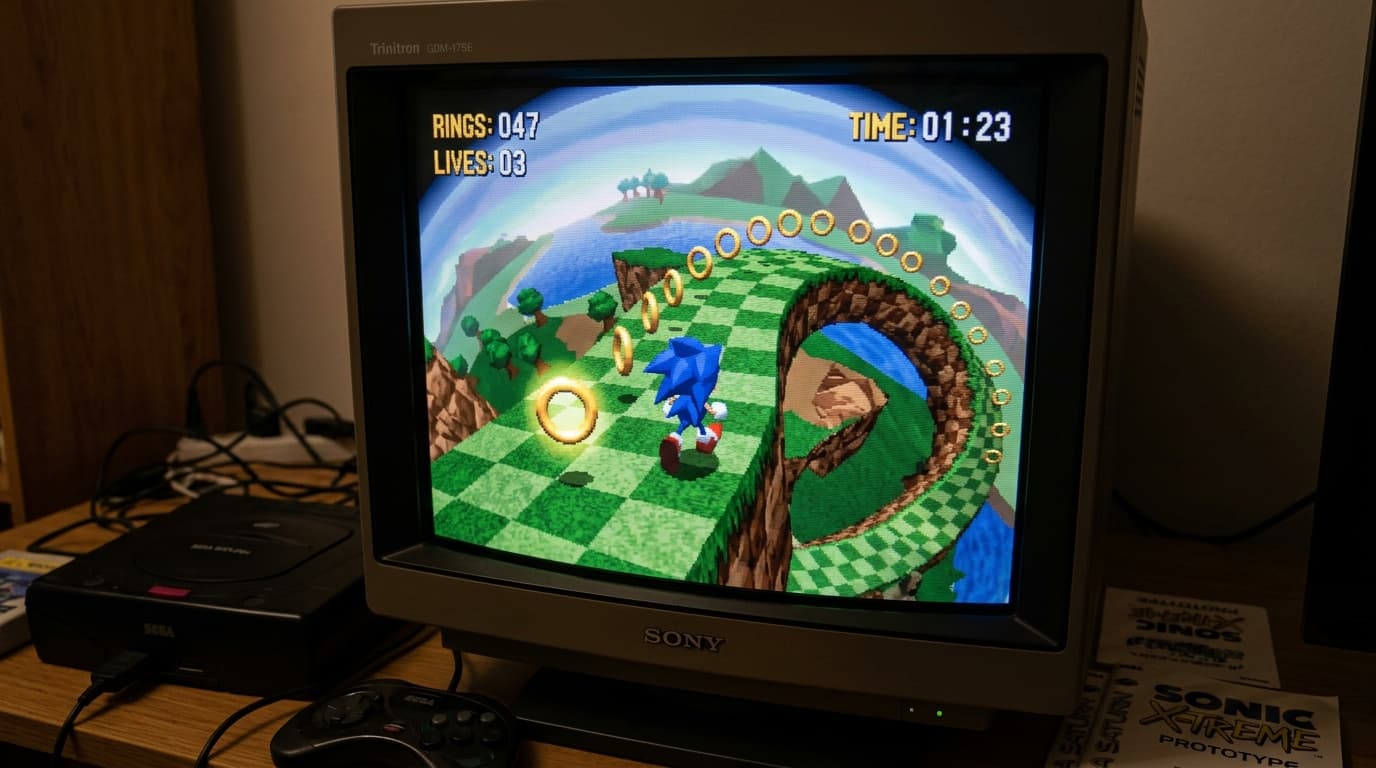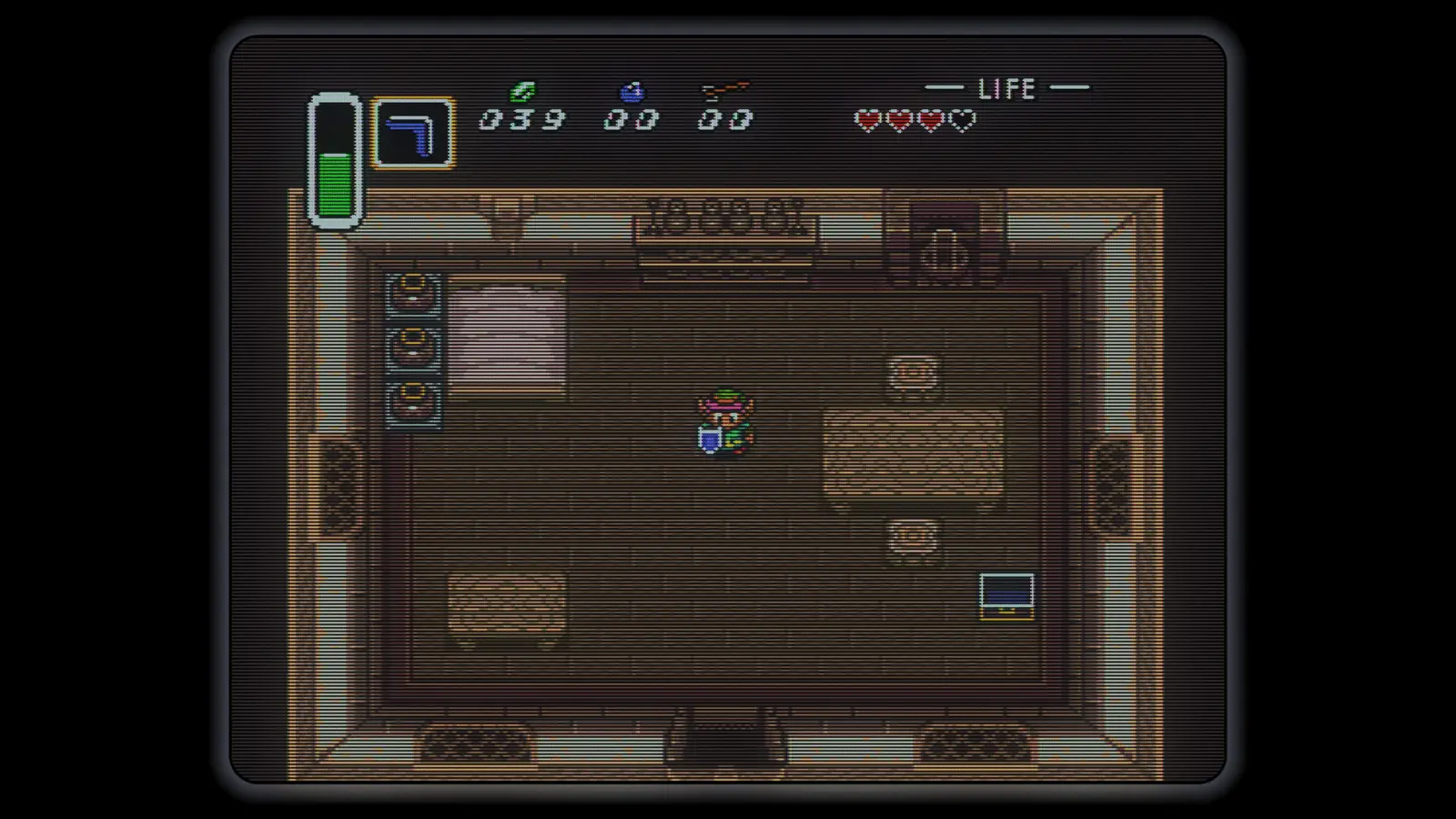
New firmware up to v1.99.9 adds a suite of CRT-inspired effects to the RetroTINK 6X, 4K CE and 4K Pro. The update introduces curved tube options, glass glow and scatter, reflective bezels, and effects such as tube sag and corner misconvergence. The 4K Pro also gains composite-video simulation for supported 15 kHz sources.
There are practical tools for setup and documentation, too: the processors can save lossless screenshots of both the incoming signal and the processed output. An updated on-screen display scaling engine keeps menus and messages at consistent proportions across output resolutions and refresh rates.
The new firmware aims to bring more of the CRT look to modern displays, while giving users finer control over how their retro video is scaled and captured.
Curved CRT effects and bezel options
The Advanced CRT Effects menu offers spherical or cylindrical curvature, glass effects and adjustable bezel presentation. Bezel Style can be set to On, Scatter for reflections only, or No Bezel; the whole glass stage can also be switched off. Bezel Zoom ranges from -30 to +12 percent in one-percent steps.
CRT effects work best with 240p and 480i sources using CRT Simulation. The update also supports 480p and motion-adaptive deinterlaced 480i, though with a more limited curvature range. For the effects, use a linear-light or HDR mode with regular scanlines.
Compatibility notes
Energy Conservation scanlines are not compatible with curvature, since their variable pattern cannot bend. HDR is needed for the bezel glow to work as intended. On the 4K Pro, composite-video simulation encodes and decodes the picture virtually; supported source formats are 240p, 480i, 288p and 576i.
Bezel effects can help fill unused space around a scaled image, including black borders that can appear when fitting 240p content to a 1440p display with an even scale. A bezel-thickness adjustment is planned for a future update, according to the report.
What else changed
Firmware v1.99.9 restores LCD Blending on the 4K CE and RetroTINK 6X, and extends LCD Blending on the 6X to 480p and 576p. The update also revises bezel reflections and lighting, smooths corner details, and fixes several bezel behavior issues.
• Added the Advanced CRT Effects page on the 4K Pro, 4K CE and RetroTINK 6X.
• Added a serial command for burst I2C reads.
• Adjusted S/PDIF signal detection on non-4K Pro models to address incorrect no-signal reports.
• Placed XBR on hold for the 4K Pro.
Technical note: CRT curvature and scanlines
Curvature changes the apparent shape of the displayed image to resemble a curved CRT tube. Regular scanlines can follow that shape, but Energy Conservation scanlines use a variable pattern that cannot be bent by the curvature effect. This is why the firmware requires regular scanlines when curvature is enabled.
Source: RetroRGB