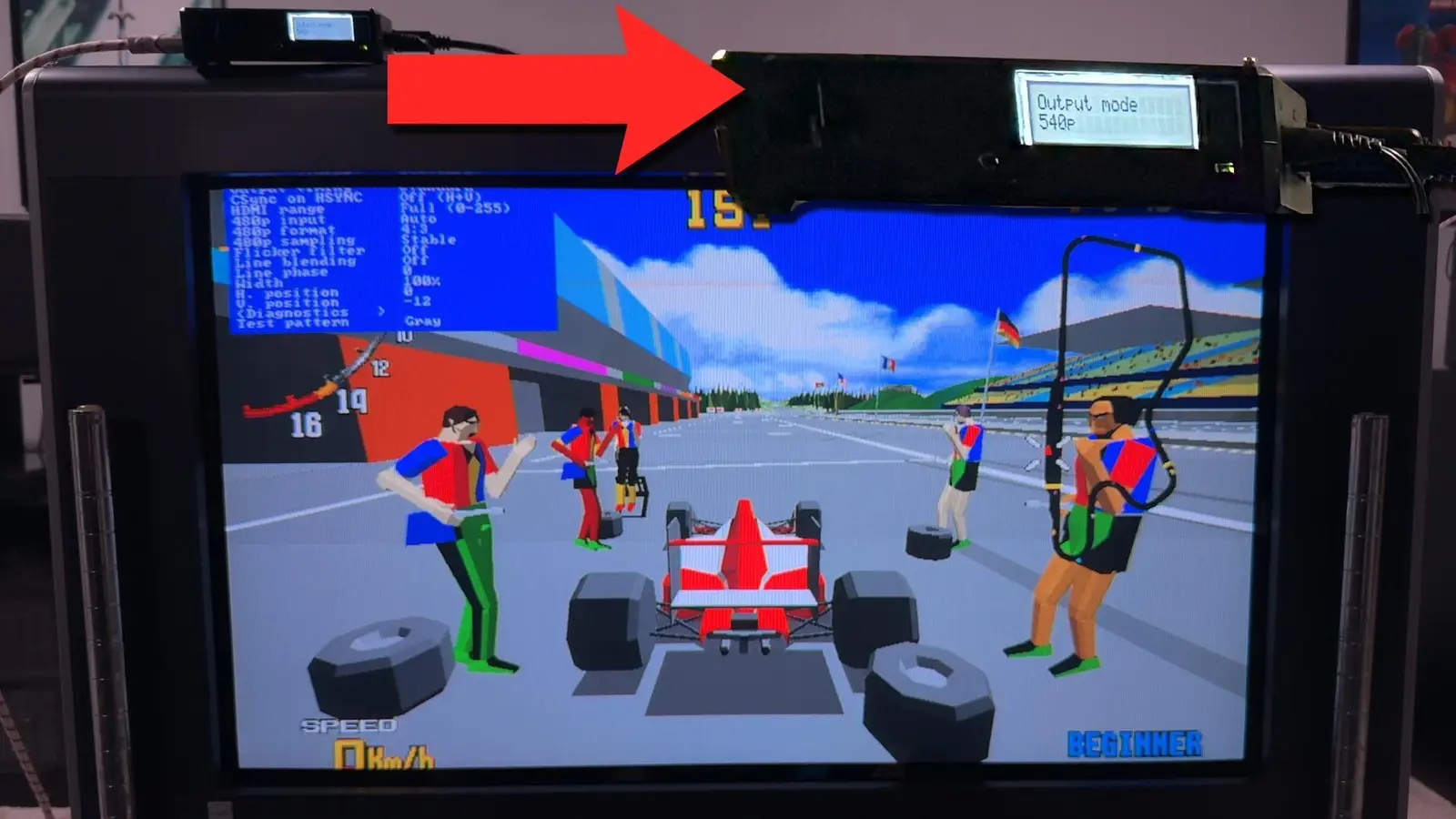
Developer manfredi90 has released another alternate firmware for the original OSSC, following the recent downscaling firmware. This version is designed for HD CRT televisions and converts 480p, 720p and 1080p input to either 1080i or 540p.
The firmware requires OSSC hardware revision 1.8, or an earlier unit modified with a single-wire mod. It adds a downscaling option to a device many retro players already own, rather than requiring a newer scaler such as a RetroTINK or Morph.
The OSSC can now serve as a central hub for an HD CRT setup, handling both classic 240p consoles and higher-resolution sources.
Why HD CRTs need conversion
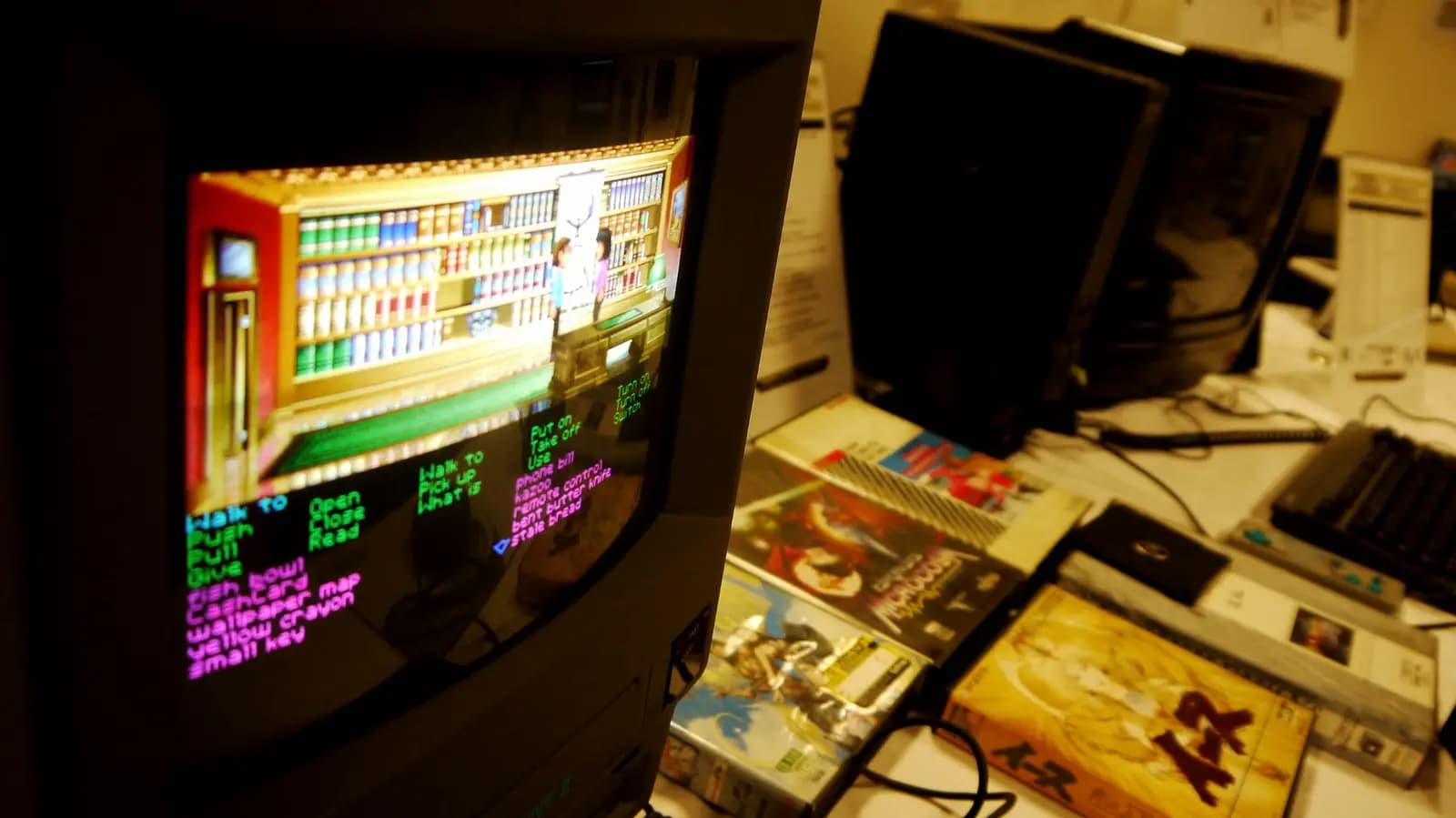
Unlike multiformat professional monitors such as PVMs and BVMs, HD CRTs typically convert incoming signals to a 33.75 kHz scan rate. That is usually displayed as 1080i, though 540p is also possible. Some sets pass 480p at 31 kHz without conversion, but many process all incoming signals to the same rate.
Downscaling 720p or 1080p to a format the television supports can improve compatibility. On some models, sending a signal at the display’s native refresh rate may also reduce processing lag. The firmware offers both line blending and line decimation, so users can choose the downscaling method that looks best for their source.
A quick technical note: 540p and HDMI
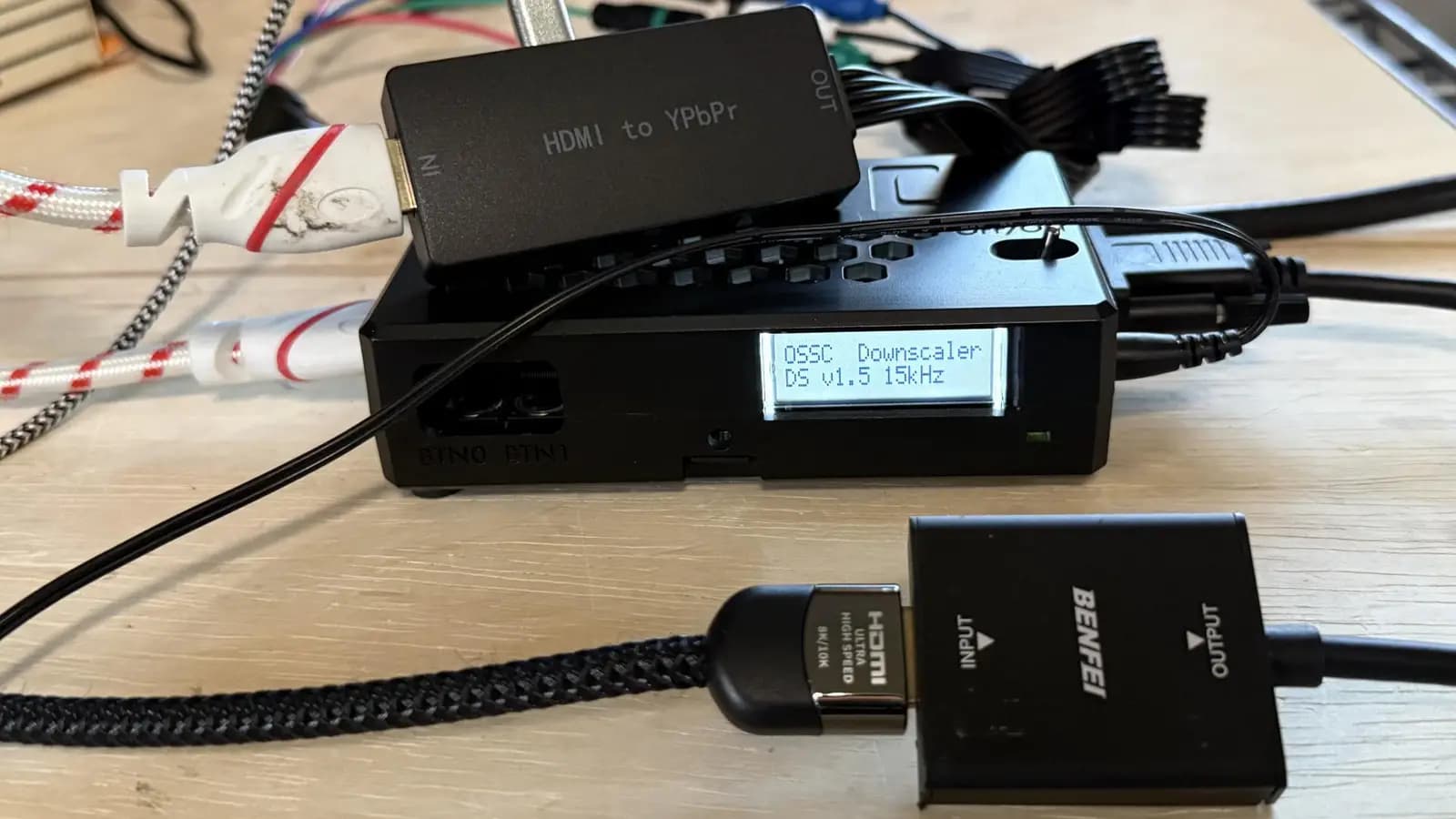
HDMI chips were not designed to carry a 540p signal. To use the OSSC’s 540p output with an HD CRT, the HDMI signal must be converted to component video. An HD CRT with an HDMI input can accept 1080i directly.
Putting the OSSC to work with an HD CRT
Some Panasonic Tau sets pass 480p through, but may not accept 720p. The new firmware can convert 720p or 1080p to 1080i or 540p for those televisions. Sony HD CRTs generally accept 720p, while the conversion options can still help with 1080p sources.
Some Sony models include a service-menu option to disable HDPT, or High Definition Processing Technology, which can add at least one frame of lag. Reports suggest that disabling it and sending 540p may reduce or eliminate processing delay, although results depend on the particular television.
One setup for classic and HD sources
HD CRTs often treat 240p as 480i, which can make directly connected classic consoles look flickery. A common workaround is to use the OSSC to line-double 240p to 480p and add 100% scanlines, allowing the television to process it as progressive video.
With this firmware, users can keep that approach for 240p and switch to the alternate firmware for 720p or 1080p sources. HDMI sources can also be routed through a DAC into the OSSC’s VGA input. Newer RetroTINK and Morph scalers can perform similar conversions automatically, but the OSSC offers both line blending and line decimation options.
For 480i, the source author notes that passing the signal directly to the television and letting it deinterlace can work well, though lag varies by HD CRT. Deinterlacing to 480p externally is another option to test.
Here’s the video on making 240p work on 480p displays:
Source: RetroRGB