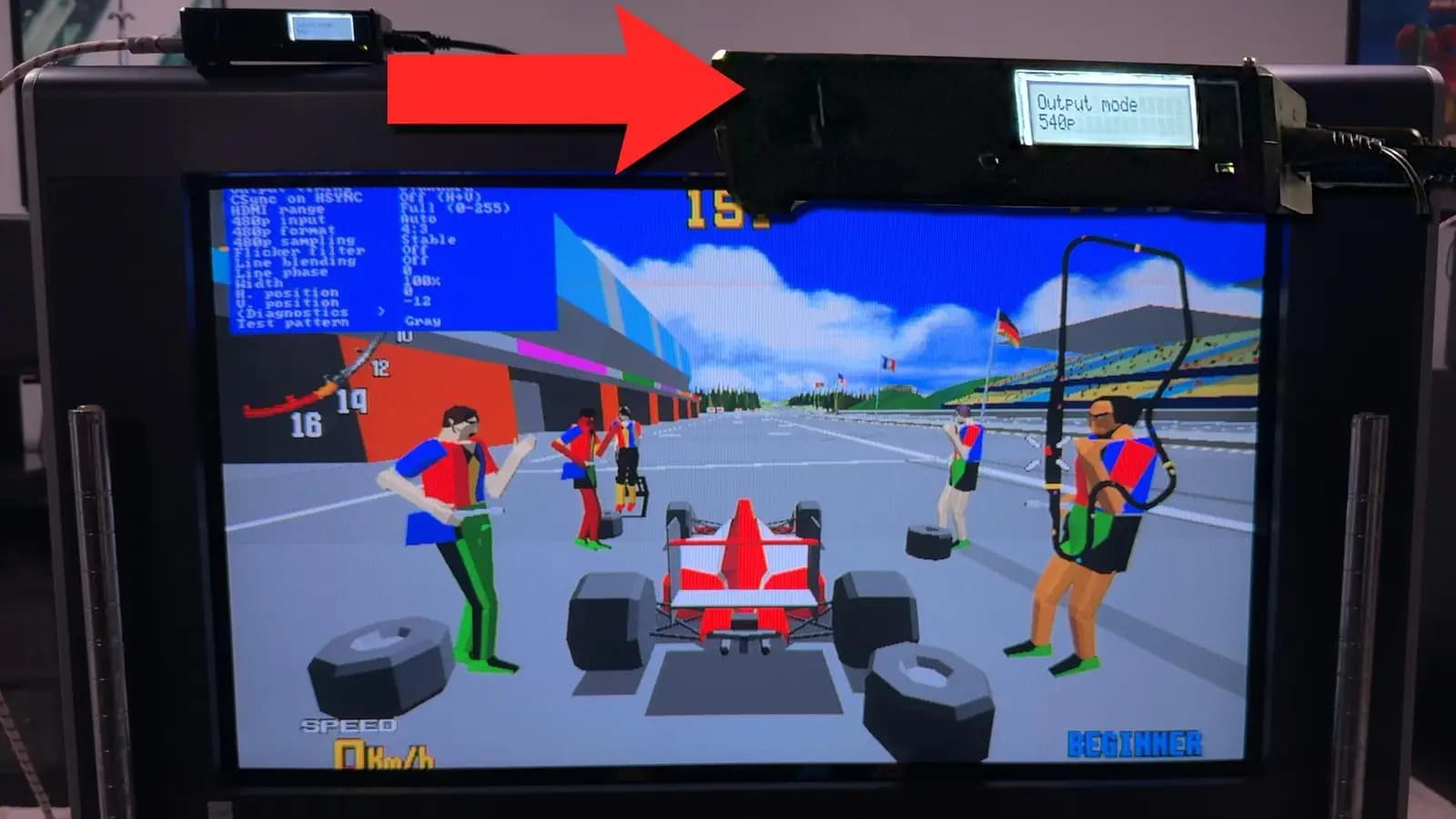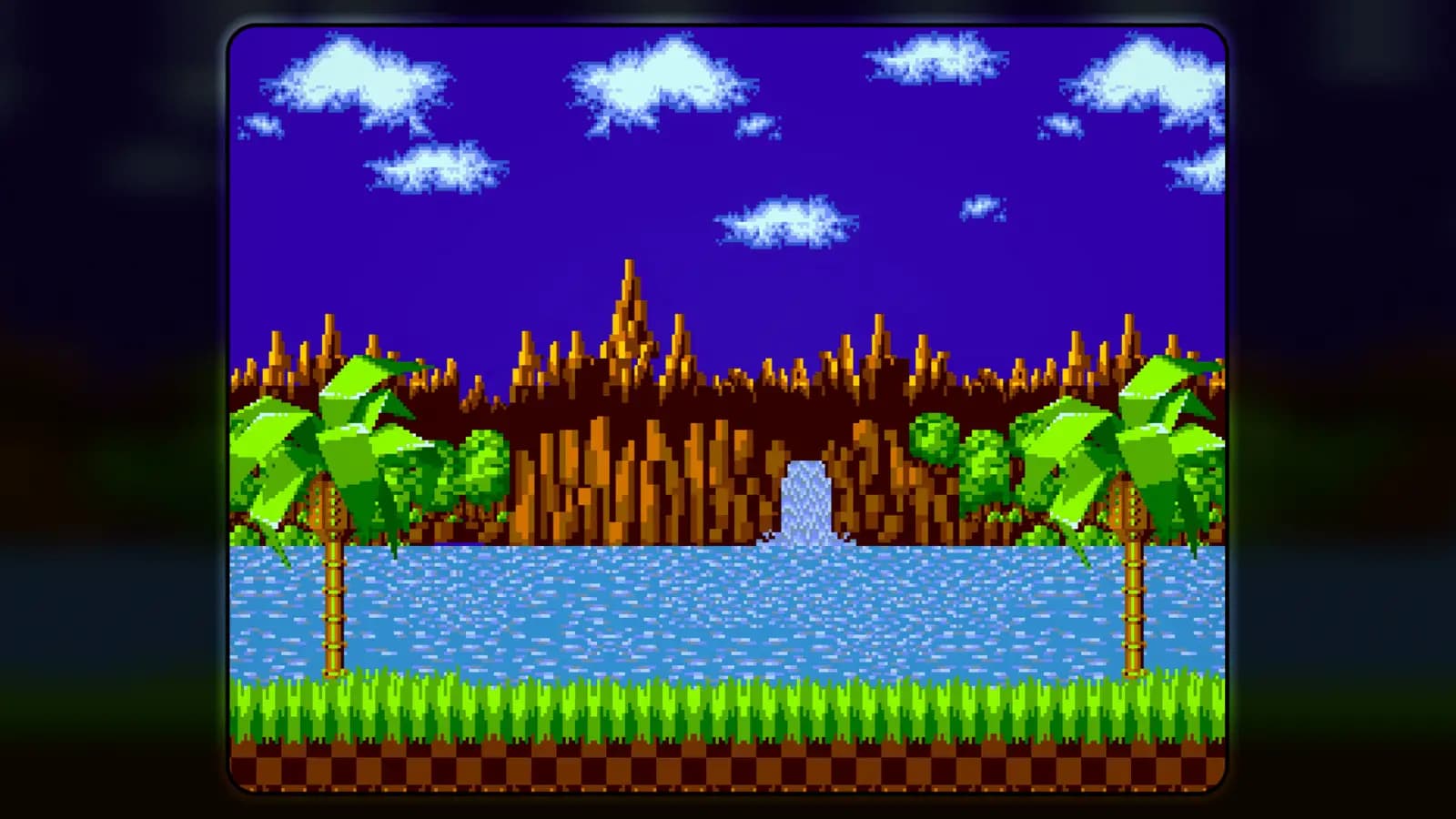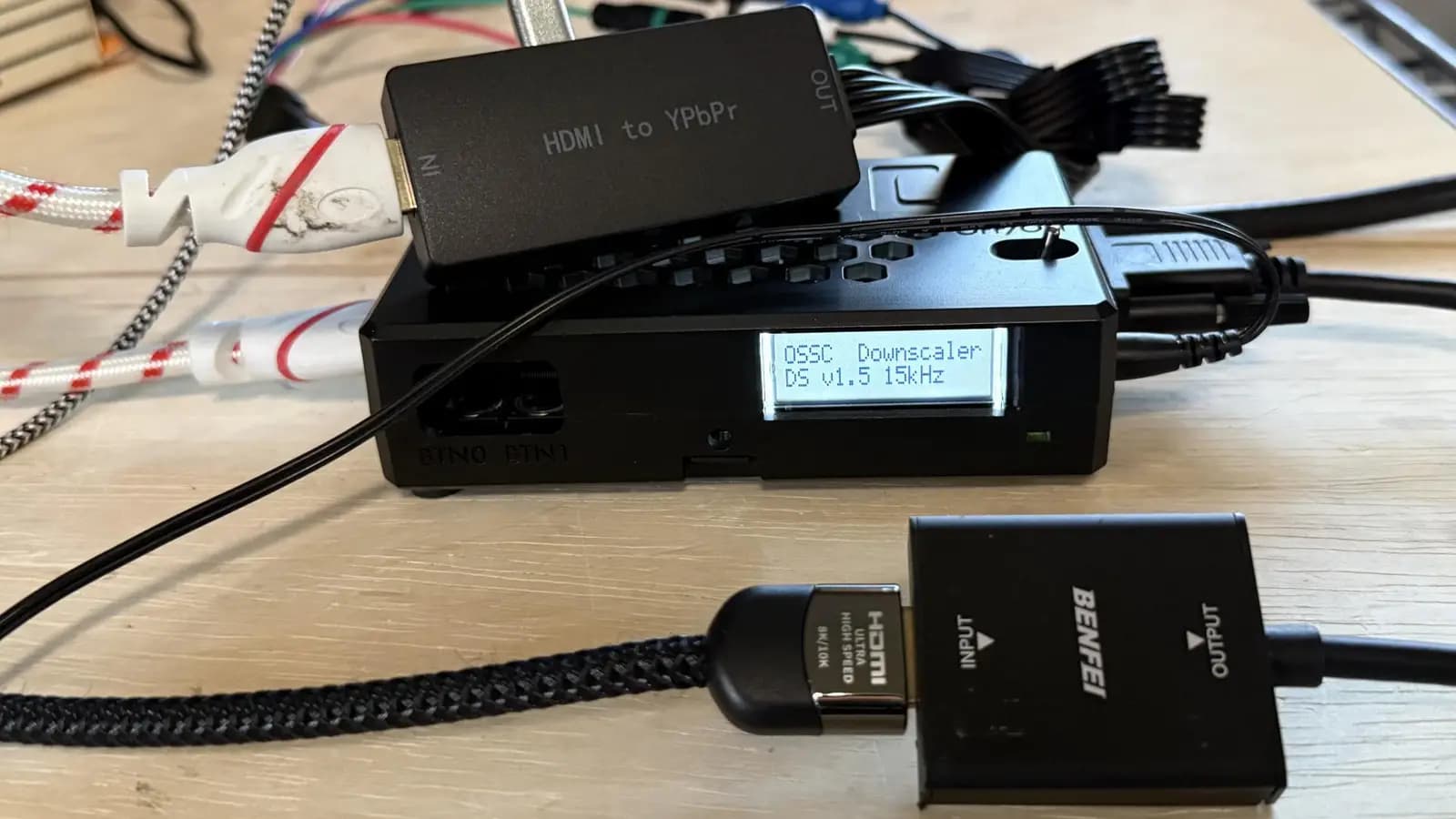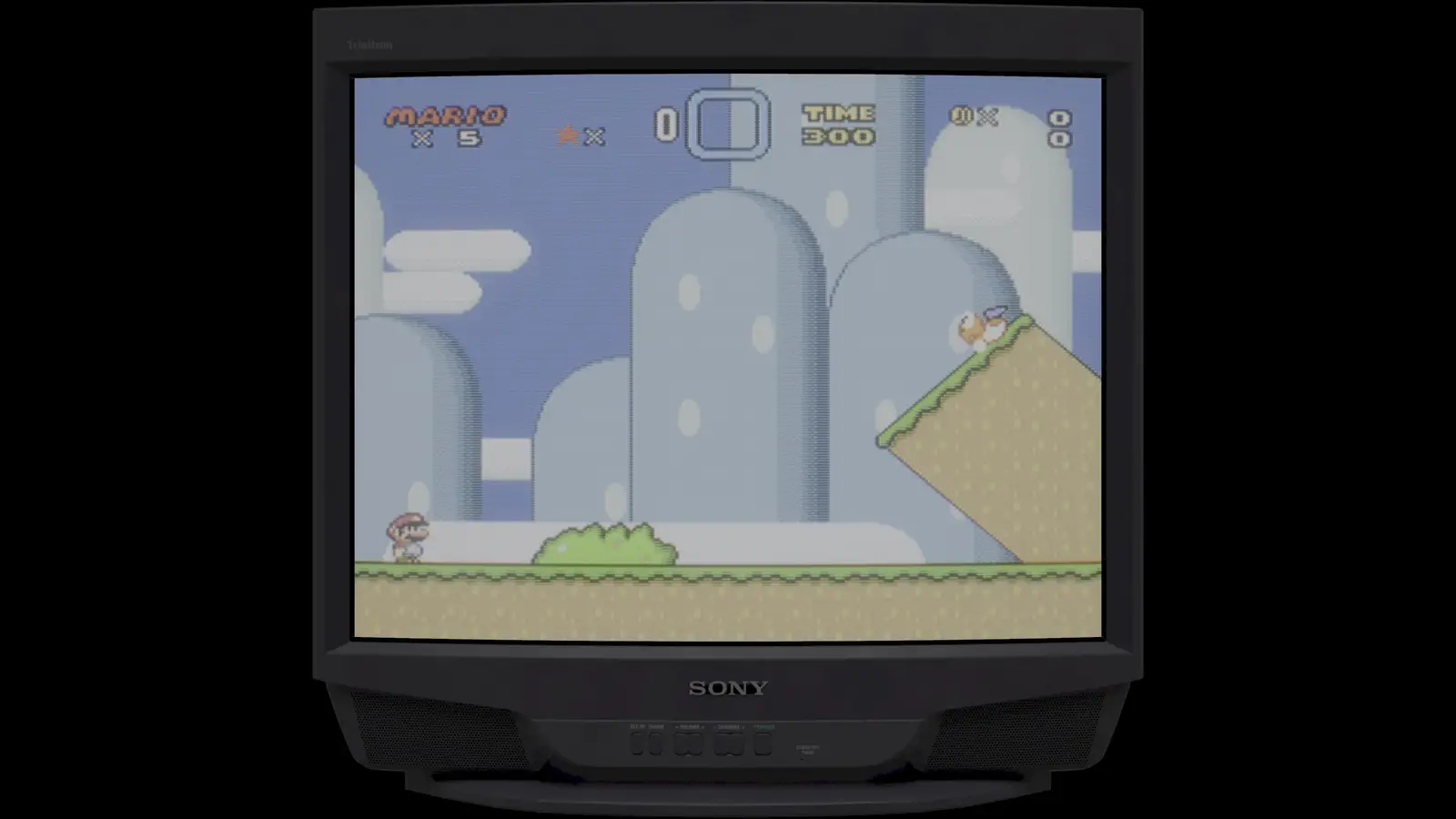
PixelFX has released Morph firmware v4.1.2.4, with a strong focus on making bezel support easier to use and faster. Owners can download PixelFX bezel packs directly through the device’s web interface, while the new Bezel Studio lets them create and upload their own designs.
Bezels now load about twice as fast, and sending them from Bezel Studio to the Morph is quicker too. The update also adds more bezel choices, including subtler designs intended to reduce the risk of burn-in during extended use.
Bezel downloads, editing and switching are all easier in v4.1.2.4.
Check the SD card before updating
PixelFX has changed where screenshots and bezel files are stored on the MicroSD card. Before installing the update, back up or move files from the old folders; the original folders can then be deleted.
Once updated, users can find the bezel download option under Retro FX > Bezel & Glass > Download Bezels. Bezel packs can also be downloaded through the web interface, where Bezel Studio is available.
Faster controls and processing
The update adds Morph Control, allowing settings to be changed from a phone, tablet or computer. It also improves the speed of Morph Control and Bezel Studio, and processing engines now start in about 1.5 seconds instead of taking up to six seconds.
Other changes include improved bezel reflections, a new Screen Fit page, clearer screenshot-capture progress and a fix for a possible black picture after switching processing engines. Web-interface login protections have also been strengthened, and several issues involving stalled requests and saved video settings have been addressed.
Hardware note: bezel files and MicroSD storage
The Morph 4K uses bezel artwork alongside processed video to frame a retro game image. Because this update changes the storage locations for bezel files and captures, backing up existing MicroSD contents before updating is a sensible precaution.
Morph 2K fix included
The full change list also notes one Morph 2K fix: firmware addresses a restart loop that could occur when the screensaver started on the No Video screen.
• Morph 4K: download and install PixelFX bezel packs through the device or web interface
• Morph 4K: bezel loading is about twice as fast
• Morph 4K: new Bezel Studio and Morph Control tools
• Morph 4K: processing engines start in about 1.5 seconds, down from up to six
• Morph 2K: fix for a screensaver-related restart loop
Source: RetroRGB