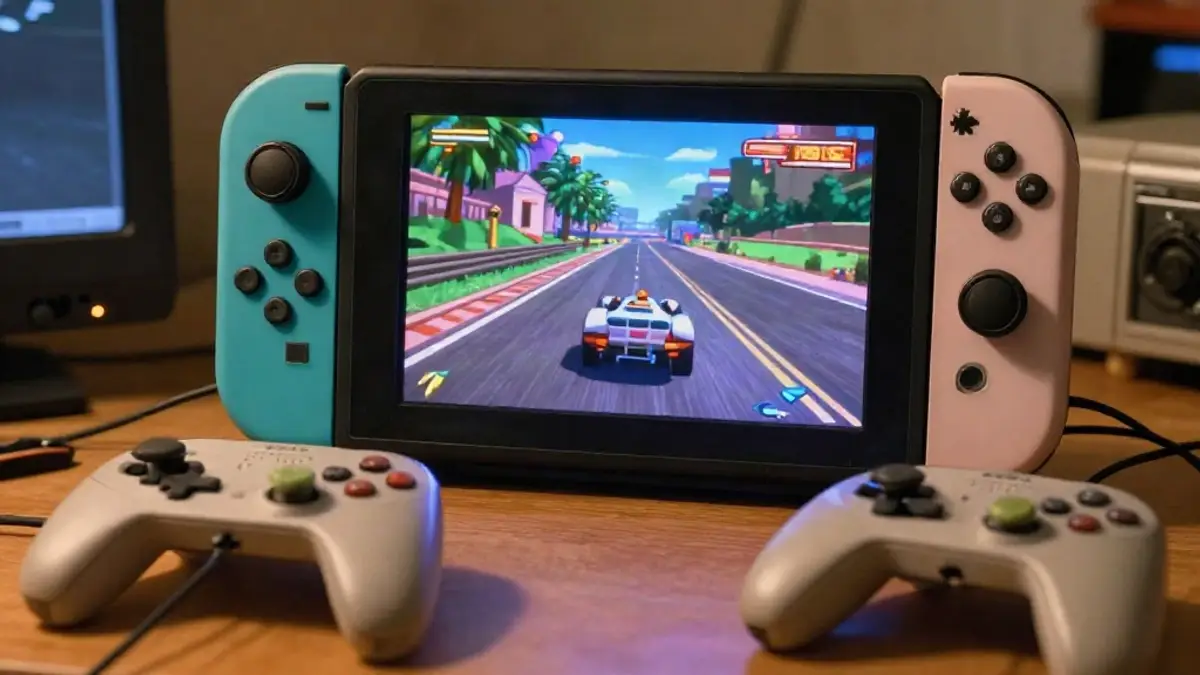
Nintendo’s GameCube app for Switch 2 now lets players turn off its border graphic. The option arrived with Version 2.2.0, released alongside Wave Race: Blue Storm in the Nintendo Classics library.
To find it, select a game in the library, open its settings and look under Extra Elements Display. The player profile icon still appears on screen, even with the border disabled.
A cleaner view, with one element remaining
The border can go, but the player profile icon stays.
For now, the setting appears limited to the GameCube app on Switch 2. The update does not confirm whether Nintendo plans to add the option to its other retro game apps.
What the setting changes
• Turn the GameCube border graphic on or off.
• The player profile icon remains visible.
• The option is currently available in the Switch 2 GameCube app.
Source: Nintendo Life