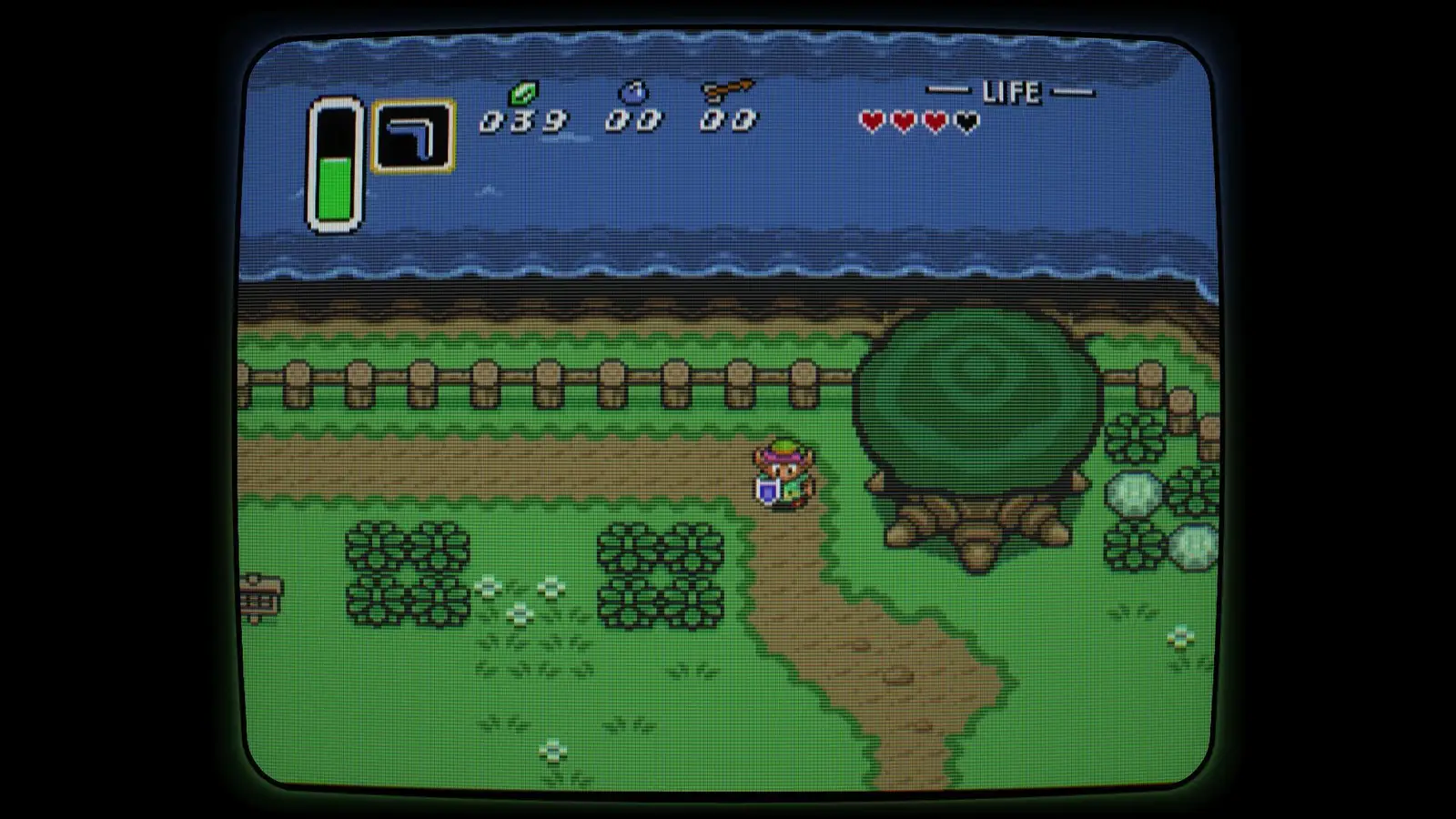
PixelFX has released beta firmware v4.0.65 for the Morph 4K, adding more bezel options and a way to capture screenshots of the input signal in Universal Adaptive mode.
How to get the update
Switch the Morph 4K to the beta update channel, then select “Check For Updates.” Owners on very early firmware revisions must first update to v3 before changing to the beta channel and installing the latest release.
Bezel options and settings
The currently offered bezels are available through PixelFX’s Discord server. Copy the files to a MicroSD card, then open Physical Display Model mode and enable them under Video\RetroFX. Some options use the left and right controls; others have submenus accessible with the OK button.
Loading a bezel can take a long time, but you can leave the menu and keep playing while it loads. The report notes a potential risk of burn-in or image retention with full bezels. Its preferred option, “PDM-20 Inner Corner,” adds lighting effects with less of the screen covered.
“PDM-20 Inner Corner” is barely a bezel at all, while still providing lighting effects.
Capturing input screenshots
To save a screenshot, switch the M4K to Universal Adaptive mode and press the remote’s button just below and to the left of the directional pad. The image is saved to the MicroSD card quickly, without interrupting gameplay.
For the MiSTer Direct Video (HDMI) example, the captured image can be enlarged 10× using nearest-neighbor scaling. For RGB SCART through generic input mode, scale vertically by 4× first to account for oversampling, then scale evenly if desired. The SCART sample was affected by problems with a borrowed Analog Bridge, so it should not be taken as representative of expected image quality.
Retro hardware note
Nearest-neighbor scaling enlarges pixels without smoothing them, preserving the crisp, block-shaped edges familiar from classic games. It is often used to inspect or display screenshots from retro video signals.
• Device: Morph 4K
• Firmware: Beta v4.0.65
• Update channel: Beta
Source: RetroRGB