Retro Game Corps has published a starter guide to using screen settings and visual effects on retro gaming handhelds, covering integer scaling, color correction, filters, shaders and overlays. Its main examples use 4:3, 640×480 displays, while the advice also considers other screen shapes and resolutions.
The guide’s central recommendation is to preserve each system’s original aspect ratio rather than stretch its image to fill a handheld screen. That means, for example, using 3:2 for Game Boy Advance and 10:9 for Game Boy and Game Boy Color, even when this leaves black bars. Those unused areas can be incorporated into the presentation with overlays.
Balancing image size and pixel clarity
Integer scaling enlarges each original pixel by a whole-number multiple, producing a crisp image with consistent pixels. But the largest integer scale that fits may leave a game looking small. On a 640×480 screen, the guide uses GBA as an example: a 2× image fits, while a 3× image would exceed the display’s width. Non-integer scaling can make the picture larger, but may cause uneven-looking pixels.
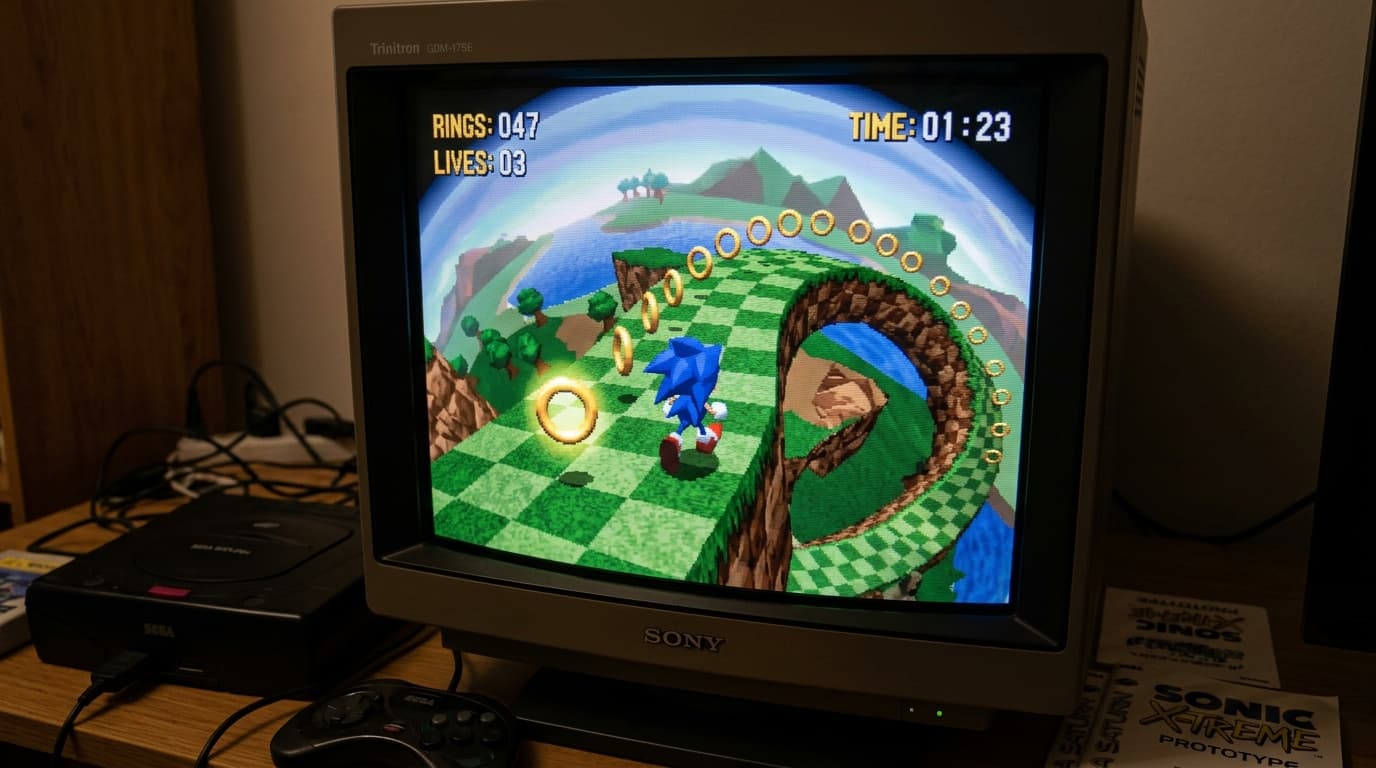
The guide notes that several systems can reach a clean 2× integer scale on a 480p display, including Neo Geo, Sega Genesis, Sega Saturn, PlayStation and Nintendo 64. It also discusses Dreamcast output at 640×480. These are general system-level examples, and individual games can use different resolutions.
Effects for different systems
Before applying filters or shaders, the guide recommends considering options built into emulator cores. For original Game Boy games, colorization settings can reproduce different LCD-inspired palettes. Other sections introduce filters, shaders and “shimmerless” shaders, along with overlays that can frame the image or complement a chosen color profile.
The material is aimed at readers with a basic familiarity with RetroArch and its menus and configuration options. It also includes example setups for Game Boy, Game Boy Color, Game Boy Advance, pixel-era home consoles and 3D-era systems, plus notes for OnionOS on the Miyoo Mini and Miyoo Mini Plus and for other operating systems. Additional sections address 720×720 and 1080p screens, as well as the 1240×1080 Retroid Pocket Classic display.
Source: Retro Game Corps