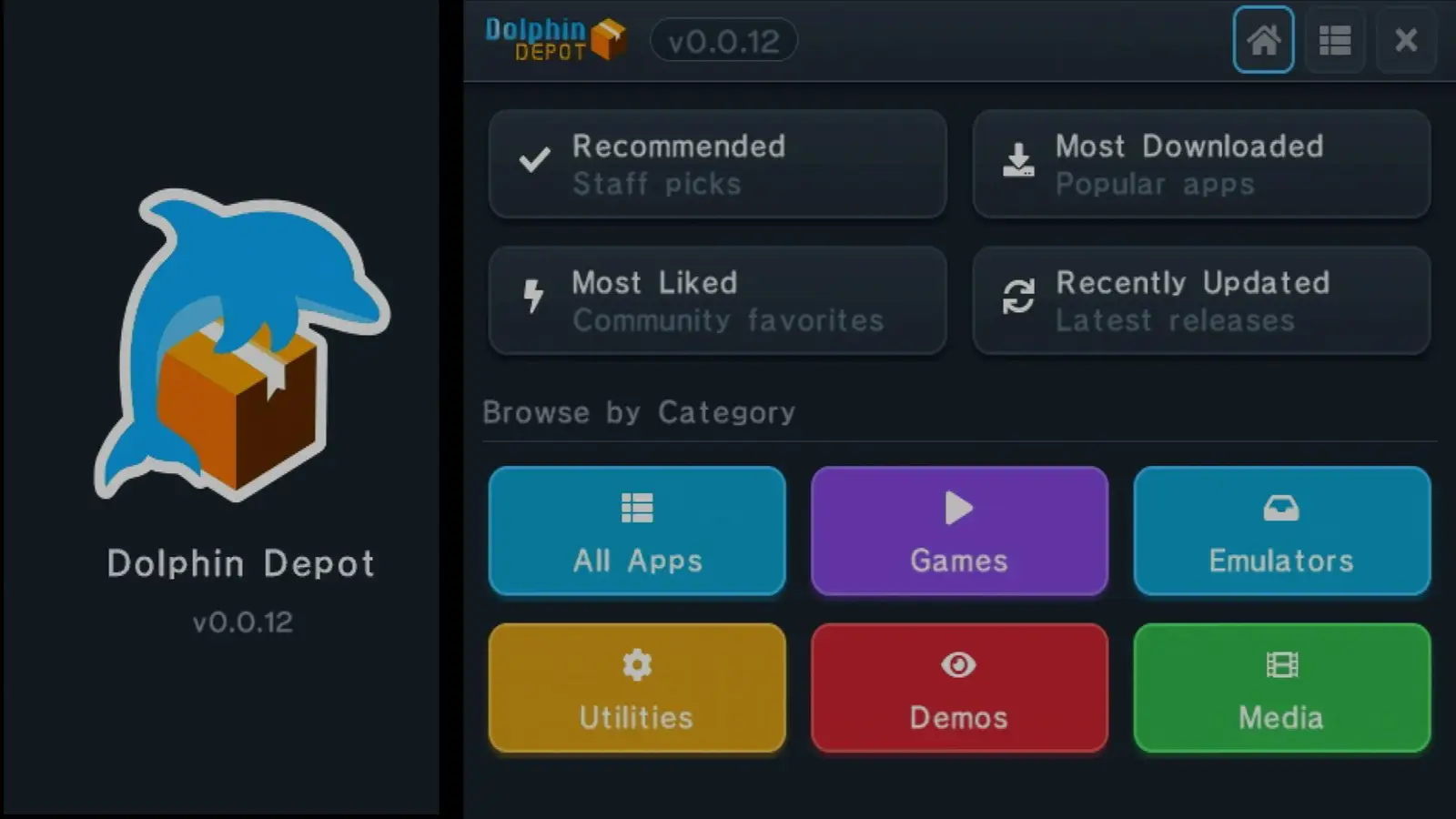
GameCube homebrew has a new hub: Dolphin Depot, an app-store-style channel created by developer Webhdx. Browse its catalog in a web browser, then use the app on a network-connected GameCube to find and download software.
To run Dolphin Depot, a GameCube needs a way to launch homebrew, a network connection and a MicroSD card for downloads. One setup described by the developer uses a Pico Loader and an SD2SP2, with Swiss serving as the launcher.
How Dolphin Depot works
Once launched through Swiss, Dolphin Depot connects to the network and displays a list of available software. Downloads and installation happen on the console, with apps saved to the MicroSD card—even when Dolphin Depot itself is launched over the network using the File Service Protocol.
Dolphin Depot puts a browsable homebrew catalog within reach of GameCube owners, without requiring an original Broadband Adapter.
The catalog includes a joypad tester by Robert Dale Smith, among other apps. The service also publishes criteria for developers who want to submit software.
A simpler route to online homebrew
Original GameCube Broadband Adapters can be difficult to find, but the article notes that homebrew network adapters are now available. That gives more owners a route to get their consoles online and use the new catalog.
Hardware note
The SD2SP2 uses the GameCube’s Serial Port 2 to connect a MicroSD card. A Pico Loader can provide a homebrew launch method while retaining the original optical drive’s functionality.
For now, downloads go to MicroSD regardless of how Dolphin Depot is launched. The article suggests a future option to download elsewhere may be useful, but does not say that such a feature is planned.
Source: RetroRGB