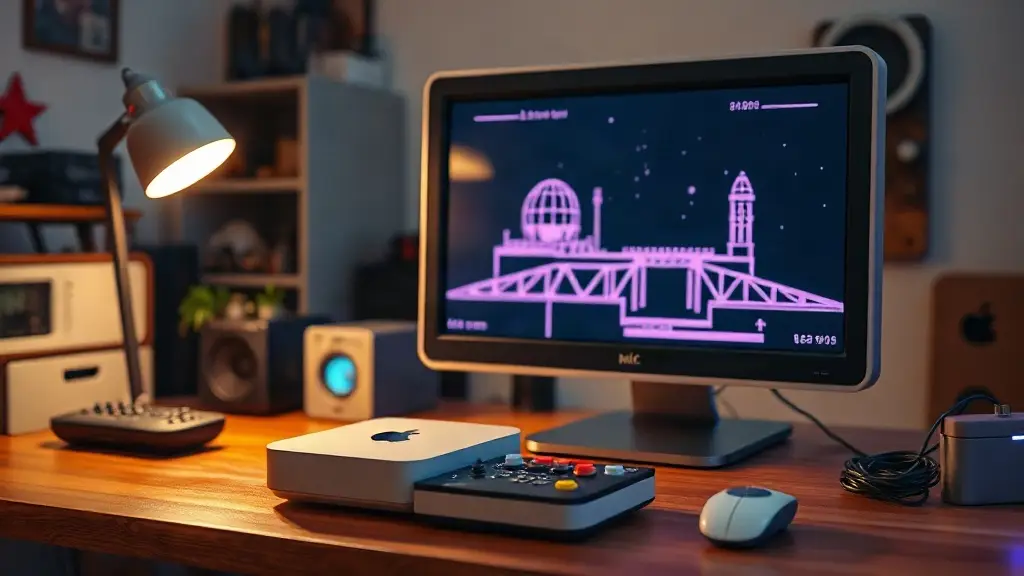
Apple silicon Macs can serve as flexible emulation machines, but getting a library organized means choosing the right frontend and emulator for each system. A starter guide updated on February 23, 2025, walks through the setup, from classic consoles to several later systems.
For a simpler all-in-one option, OpenEmu supports systems up through GameCube, Nintendo 64 and PSP. Those who want a more configurable setup can use EmulationStation Desktop Edition (ES-DE) to organize and launch separate emulator apps.
ES-DE creates system-specific folders for game files and provides a central interface. The guide recommends setting it up before installing individual emulators, then checking each folder’s system information file for compatible formats.
Building a Mac emulation setup
A controller is the main accessory needed to get started. Xbox Series, PS4 and PS5 controllers are listed as options that connect to Macs, while the 8BitDo SN30 Pro and Pro 2 are suggested as retro-styled alternatives. A USB-C flash drive can help when the Mac has limited internal storage.
RetroArch handles a broad range of older systems, with cores available for arcade games, Nintendo and Sega consoles, Neo Geo, and PlayStation. It offers extensive customization, though configuring hotkeys and pointing the app to a BIOS folder are among the basic setup tasks.
ES-DE brings separate emulators together in one place, while RetroArch supplies a wide-ranging toolkit for classic systems.
Standalone emulators for later systems
The guide also covers dedicated apps for systems beyond RetroArch’s main focus. PPSSPP runs PSP games and requires no BIOS files; Dolphin handles GameCube and Wii titles, with optional real Wii Remote and sensor-bar support for Wii games.
Other sections cover Lime3DS for Nintendo 3DS, PCSX2 for PlayStation 2, Xemu for the original Xbox, Cemu for Wii U, RPCS3 for PlayStation 3, and Ryujinx for Switch. The guide notes that Lime3DS development had ended, with its developers moving to Azahar, and that Ryujinx had been taken offline, although archives existed.
Quick technical note: ROMs and BIOS files
Game files and BIOS files serve different roles. ROMs or disc images contain game data; BIOS files are system software required by some emulators. The guide notes that both may be copyrighted and points users toward each emulator’s documentation for compatible formats and requirements.
Controller shortcuts are not supported consistently across every app. The guide specifically notes that Cemu, Ryujinx and Lime3DS may require a mouse or keyboard to exit a game and return to ES-DE.
Source: Retro Game Corps